Close the year: TD7, TD63 and Social Insurance
What to lock and check at the end of the tax year, which files Prolley prepares, and what you file yourself.
Last updated
At the end of the tax year you file the annual employer return (TD7) with the Tax Department and give each employee a TD63 certificate of their pay and deductions. Prolley prepares both from your locked runs. It doesn't submit anything: you upload the TD7 to Tax For All (TFA) yourself and hand out the certificates.
You need the Admin or Payroll manager role to export. Company details, such as the TD63 signatory, can be changed by an Admin only.
Before you start
Lock December
Lock every run reported in December: the monthly run and any weekly runs paid in December.
Pay and lock the 13th salary
Create, approve and lock the 13th salary run. See Fix a locked run and pay the 13th salary.
Make any corrections now
A run can only be corrected during its own tax year. If something from earlier in the year still needs fixing, correct and lock it now.
Check the TICs
The company and every employee paid in the year need a TIC. Without one, Prolley refuses the TD7 XML and names who is missing.
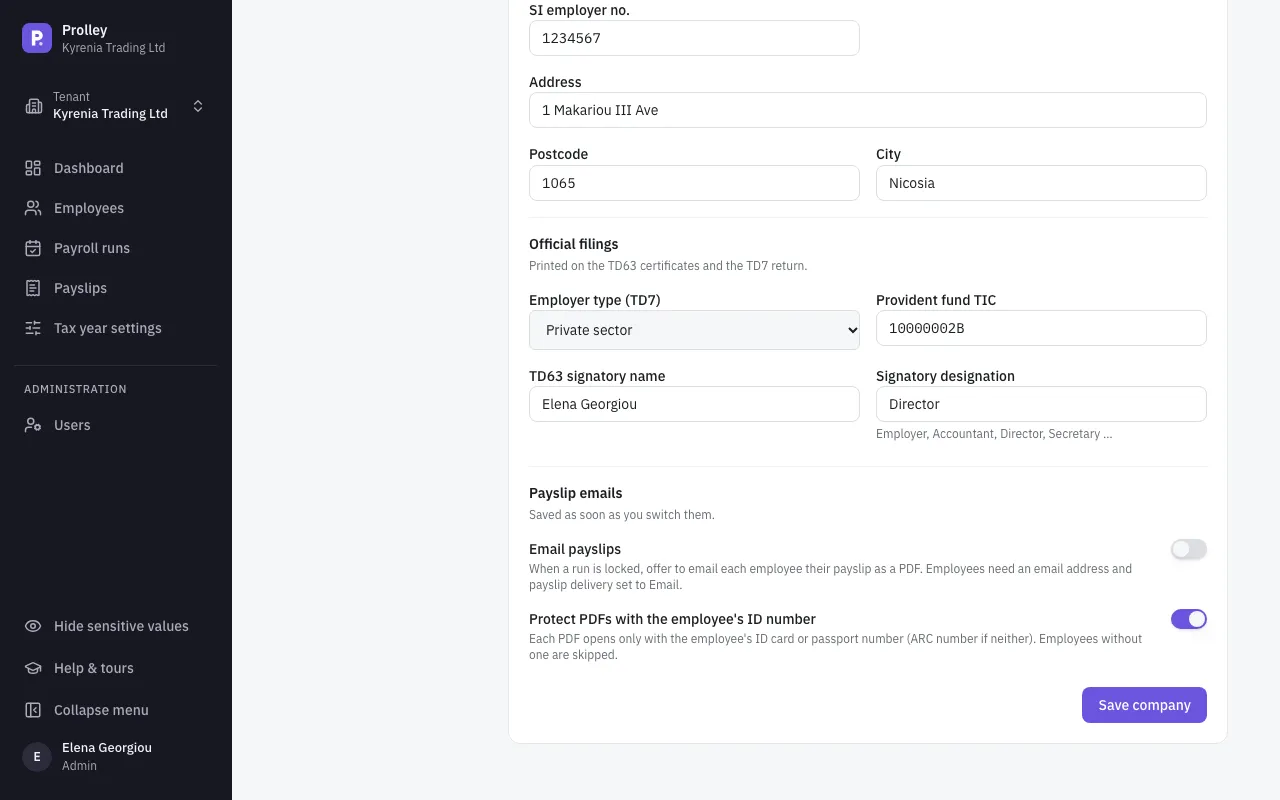
Check your official filings details
In Company details, under Official filings, check the Employer type (TD7), the Provident fund TIC if you have a provident fund, and the TD63 signatory name and Signatory designation printed on every certificate.
Export the annual reports
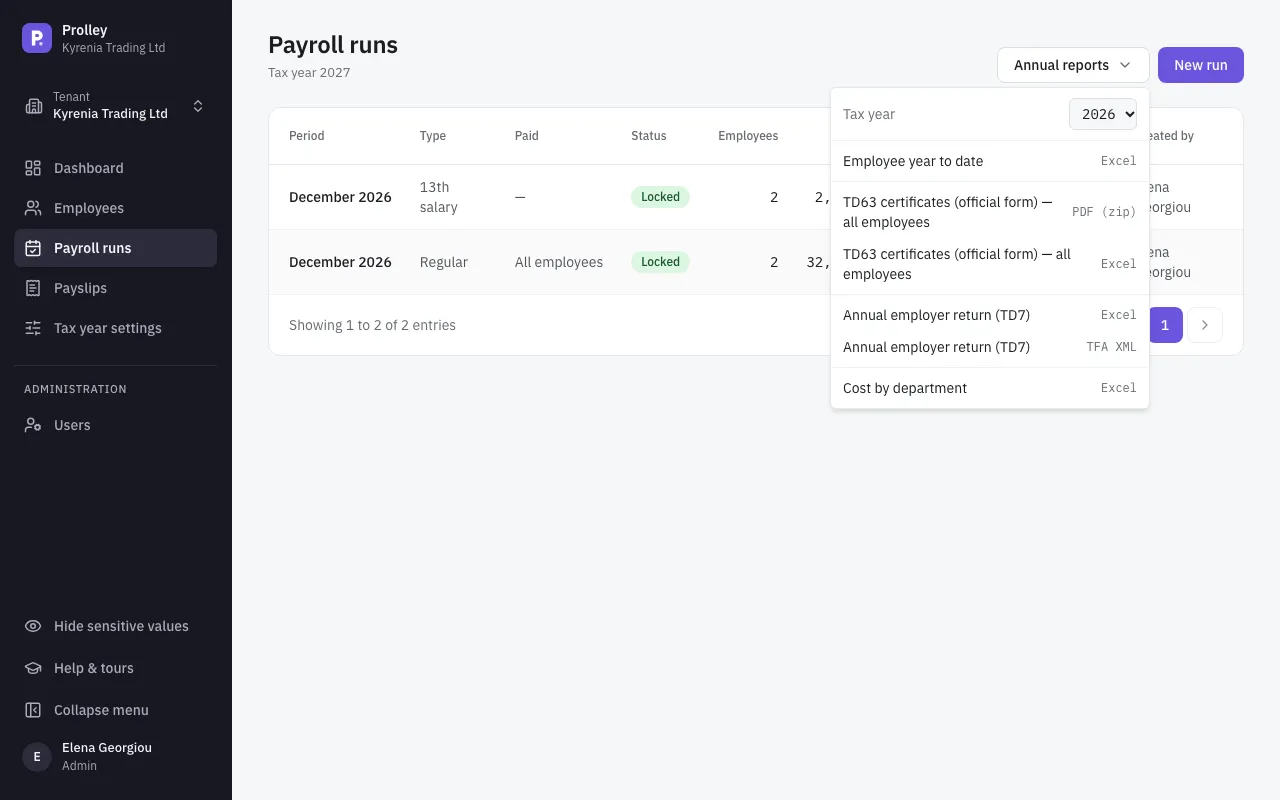
On Payroll runs, open Annual reports and choose the Tax year. Each report adds up every locked run of the year, the 13th salary and corrections included. Runs that aren't locked are left out.
The annual employer return (TD7)
Annual employer return (TD7) comes in two formats:
- Excel, to check: one row per employee with their months employed, gross, taxable income, Social Insurance, GESY and income tax, and a sheet of totals per month.
- TFA XML, to upload to Tax For All as your annual return.
TD63 certificates for your employees
TD63 certificates (official form) — all employees as PDF (zip) gives you one PDF per employee, printed on the Tax Department's own form. The Excel version lists everyone's figures on one sheet, for checking.
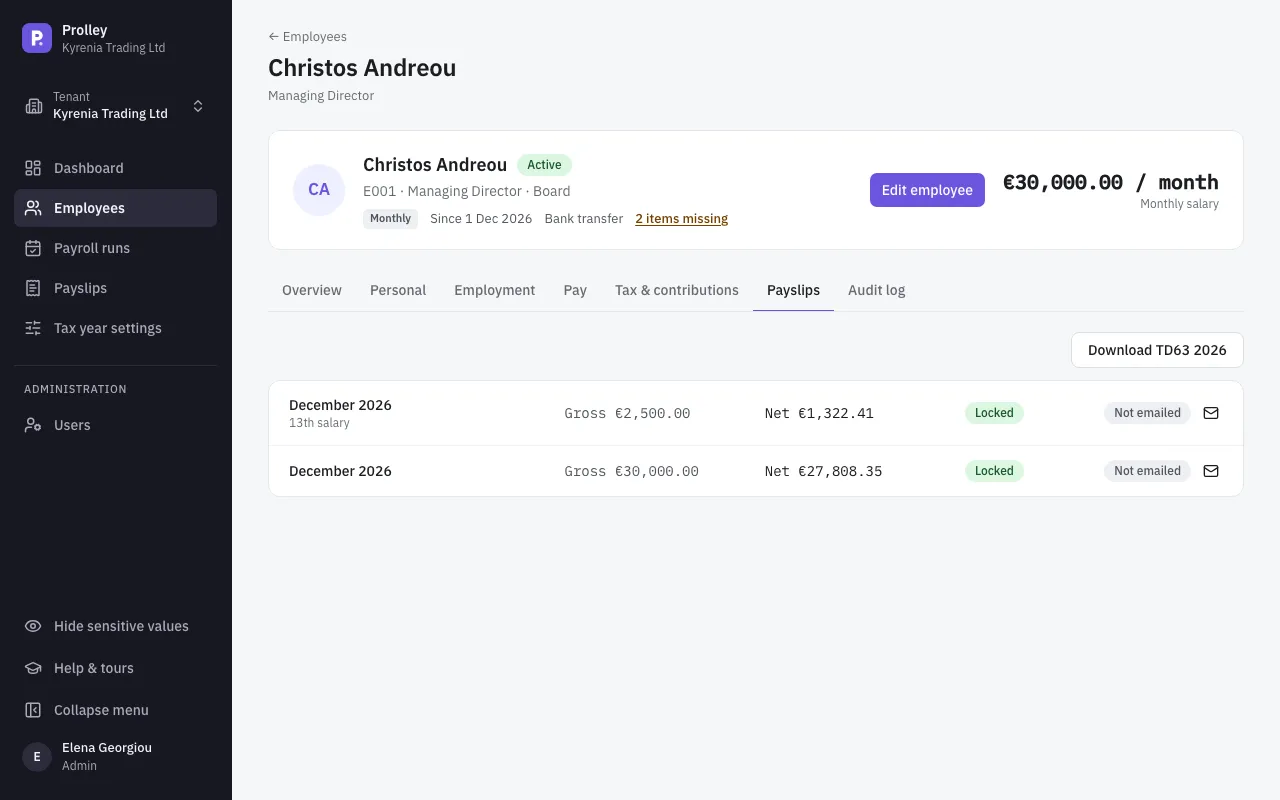
For one employee, open them, go to the Payslips tab and click Download TD63 2026.
- The signature box is left blank: sign each certificate before you hand it out.
- An employee who left and was rehired in the same year gets one certificate covering both.
- Life insurance and the 20% or 50% exemption have no box on the form. Employees claim them on their own tax return (T.D.1); the figures are in the Excel version if they ask.
- If the Tax Department hasn't published the year's form yet, Prolley prints on the latest one and says so when you export.
Monthly TD7 returns during the year
You also file a TD7 every month. In a locked run, Export → TD7 monthly (PAYE) → TFA XML gives the month's return. It covers every locked run reported in that month: the monthly run, weeks paid in it, corrections of it and, in December, the 13th salary. Lock all of them before you export. See Payslips and reports for the other monthly reports.
Social Insurance
Social Insurance has no upload file. Each month, the SI & GESY contributions report of the run (Excel or CSV) gives the figures to enter on the Social Insurance Services portal. There is no separate annual Social Insurance file.
Other annual reports
- Employee year to date: each employee's totals for the year, including contributions and employer costs. Useful for your accountant.
- Cost by department: employer cost per month and department.